AI product image hallucination: what goes wrong, by category.

A hallucination in a product image is anything the AI adds, drops or changes that is not on your real product: a garbled label, a shifted shade, an extra stone, a wrong shape. Here is what it looks like in each category, and how CovisionAI checks for it.
Check an image

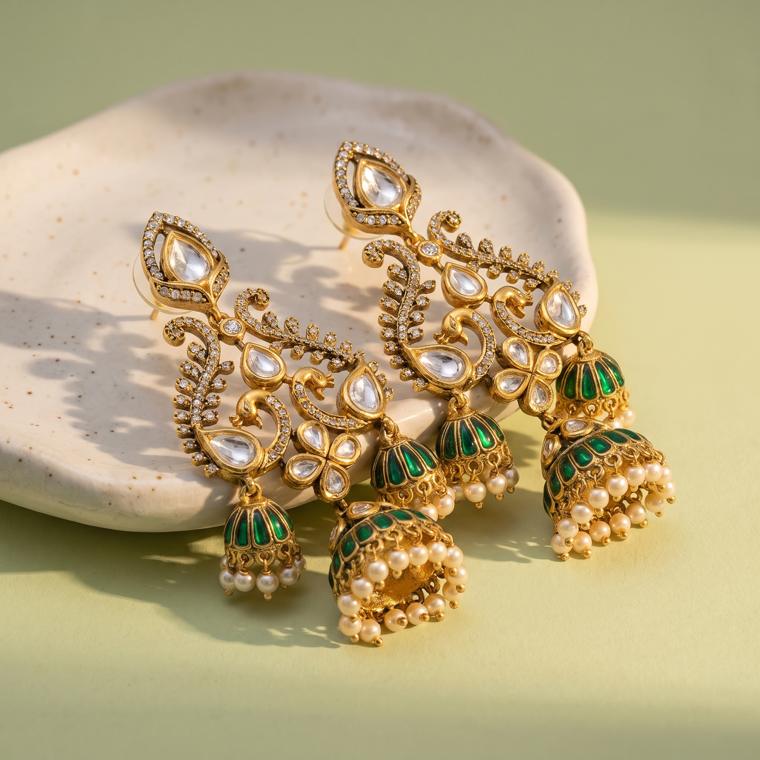
Gold drop earrings with green beads and pearls on a stone dish
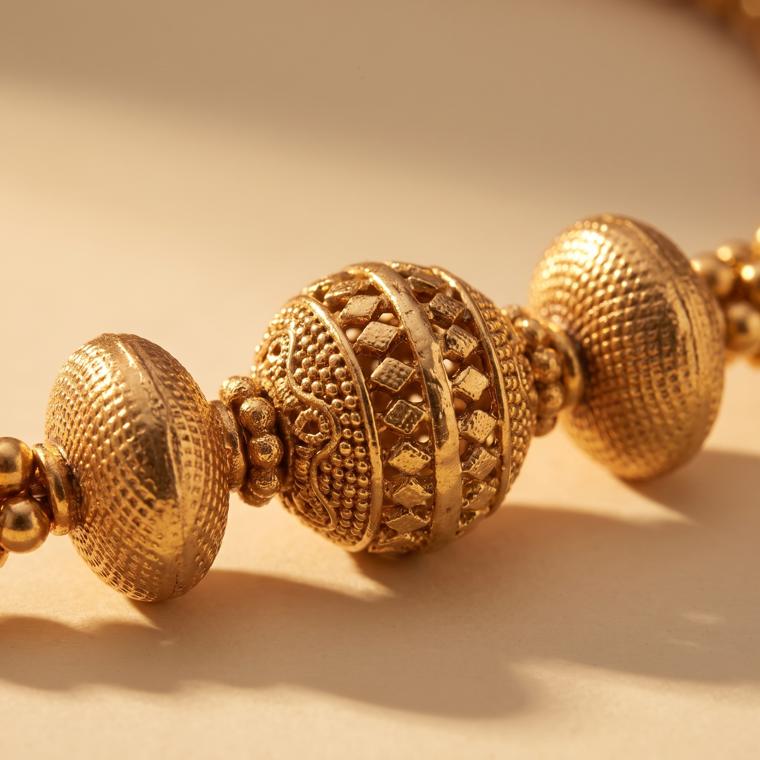
Close up of carved gold beads

Made with CovisionAI.

What a hallucination is

A hallucination in a product image is anything the AI adds, drops or changes that is not on your real product: a garbled label, a shifted shade, an extra stone, a wrong shape.

Why it happens

General models treat your photo as inspiration, not as the thing to keep. That is why a cap changes shape or a word on the pack turns into nonsense. See the answers to why tools change your product.

29%

In a 2026 benchmark of 850 products, the best AI image models kept the product accurate in at most 29% of generations (Photoroom's own research).

We start from your real photo and your brand's rules, and check before release.

20.1%

Logo and text distortion was the most common failure, in 20.1% of 3,400 generations (same benchmark).

Pack text is the first thing to check on any image. Our checklist is on the hallucination page.

60%

60% of US online shoppers say knowing a product image is AI-made lowers their confidence to buy; 17% would not buy at all (Baymard, 2,273 shoppers, June 2026).

Start from the real product, keep the scene believable, and follow the labelling rules.

These figures are vendor-run or survey research, linked beside each number. They are context, not our own results.

By category

By category
CategoryWhat goes wrong
Beauty and personal care (skincare, cosmetics, haircare)Shade shifts, garbled ingredient or brand text, wrong cap or pump shape
FMCG and packaged goodsPack text gets scrambled, wrong variant colour, missing claims or badges
FoodFood looks different from the real item, wrong portion, pack tilted so text is unreadable
Home and home decorWrong scale, impossible rooms, textures and patterns that change
JewelleryExtra or missing stones, changed settings, glare that hides detail
Glass, metal and clear packagingReflections invent shapes, transparency breaks

A checklist for any tool's images

Use this on any tool's output before you upload.

A checklist for any tool's images
0 of 7 checked

Run the free rejection checker

What we do not claim. No image tool is error-free. Every image should be reviewed before use. If we measure an error rate, for example the share of images flagged for product drift, we will publish it with its definition and dates.

Questions people ask

Will the AI hallucinate or change my product, label or colour?
This is the question buyers fear most, and every general tool struggles with it: text on packs gets garbled, shades shift, caps and proportions change. No image tool is error-free. CovisionAI starts from your real photo and your brand's own guidelines, and you review every image before use. Sources: Pebblely blog on text extraction, Mar 2026; Photoroom on inaccurate AI images.
Why do ChatGPT, Gemini and Midjourney change my product?
Because they treat your photo as inspiration, not as the thing to preserve. A listing image has to be your product and look like a photograph.
Will customers notice the images are AI?
Buyers notice fakes fast: wrong light, floating products, impossible scenes. The fix is to start from the real product and keep the scene plausible. Be open about AI use where a rule says you must (see the rules hub). In a June 2026 Baymard survey, 60% of US online shoppers said knowing an image is AI-made lowers their confidence to buy (Baymard).
What do I do if an image is wrong?
Edit the one detail with a prompt, or change the guideline and run again. The credit charge for each action is shown before you run it: Edit image is 16 credits, a new image is 20.
Does AI product photography reduce returns?
We do not claim a number. Mismatched images drive returns. Accurate images are the point.
Can AI fix a hallucination after the fact?
Often, for one detail. Use Edit image to change that detail by prompt and keep the rest. For text on a pack, the safest fix is to start again from the real photo and check the result.
How do I check an AI product image before uploading?
Go through the checklist above: label text, colour, shape, count, scale, shadows and claims. Then run the free rejection checker for the channel.