CovisionAI vs Photoroom
Generic AI makes images. We make the right image. Photoroom and CovisionAI solve different problems: theirs is flexibility and play, ours is enterprise accuracy and speed for product images that go live.
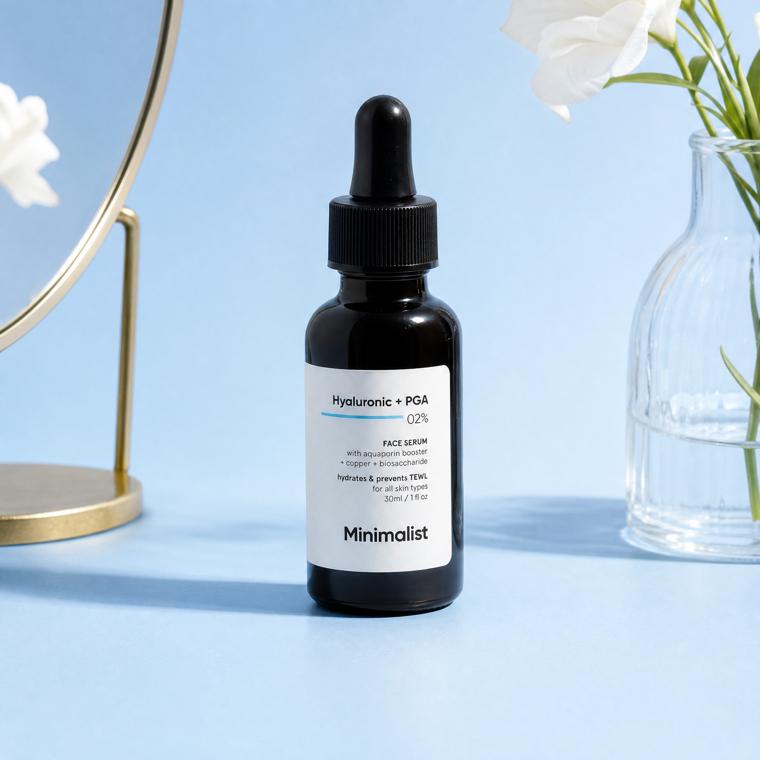
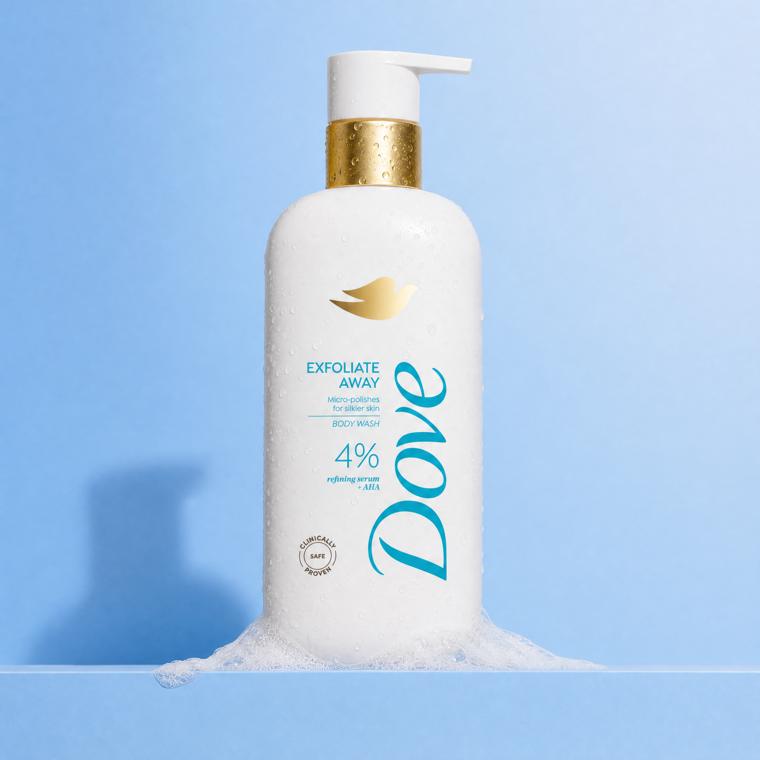
Made with CovisionAI.
One great image vs a brand-controlled visual engine
| Parameter | CovisionAI | Point tools and direct LLMs |
|---|---|---|
| Product fidelity | Built to keep the product exact, checked in three layers. See the proof and the free checker | Details drift or hallucinate |
| Consistency | Same SKU identical across the catalogue | Changes from image to image |
| Brand intelligence | Guidelines captured, enforced, improved | Restate requirements every time |
| Bulk generation | Thousands of images in one click. | One image at a time |
| No prompting | About 10 seconds per image in Bulk mode | Hours of prompting per usable image |
| Precise editing | Change one thing, keep everything else | Edits alter unrelated details |
| Creative freedom | Themes, models, custom uploads, any pose | Preset or prompt-led only |
| Enterprise ready | Self-serve | Manual, experiment-led workflows |
| Campaign ideas from the product | Ideas suggested for the product and category, kept within brand guidelines | You write the brief and every prompt |
Point tools include Photoroom, Pebblely and Claid; direct LLMs include ChatGPT, Gemini and Midjourney.
Why we say this: drift, in the Photoroom fidelity benchmark (vendor-run); repeated attempts, in the Adobe survey; one image at a time and preset only, on the vendors' own pages (Pebblely, Flair AI, Higgsfield). Photoroom, Claid and Pebblely do sell batch modes, and Photoroom refunds credits for failed generations, so the competitor pages say so.
Our view, based on published information.
CovisionAI vs Photoroom
| CovisionAI | Photoroom | |
|---|---|---|
| Built for product and catalogue work | Yes: photoshoots, campaigns, edits, layered creatives, video | Strong on single-image cleanup; has a Shopify workflow |
| Bulk generation for hundreds of SKUs | Yes, one run, category-aware and brand-consistent | Sells a batch mode (Photoroom) |
| Marketplace rules applied | Rules hub and checker are free | Not published |
| Editable layers | Yes: Campaign creative | Not published |
| Prompt edit that changes one detail only | Yes: Edit image | Not published |
| Product video | Yes: 10-second videos | Not published |
| Fixed credit price per action, shown before you run it | Yes: Image 20, Campaign image 28, Edit 16, Open in Canvas 72, Video 228 credits | Image Editing API at $0.10 per call (docs.photoroom.com) |
| Credits valid 90 days | Yes, from each purchase | Not published |
| No model choice needed | Yes | Not published |
| Keeps pack text and colour | Starts from your real photo | Not published |
- Refunds AI credits automatically for technical failures and, on request, for unusable results (help.photoroom.com)
- Claims no ownership over customer content; free accounts are personal use only (help.photoroom.com)
Our view, based on published information.
Where Photoroom is stronger
Photoroom is strong on single-image cleanup and has a Shopify workflow.
Who should pick which
Pick Photoroom for quick single-image cleanup. Pick CovisionAI when you run a brand-level system: guidelines, bulk catalogue, editable campaign creatives and video, with one fixed price per action.